
In some cases, when automatic installation of the “MT5 to NT8 Trade Copier” ends with an installer error, you can use manual file copying. To do this, you need to perform the following actions:
• close NinjaTrader 8 and Metatrader if running.
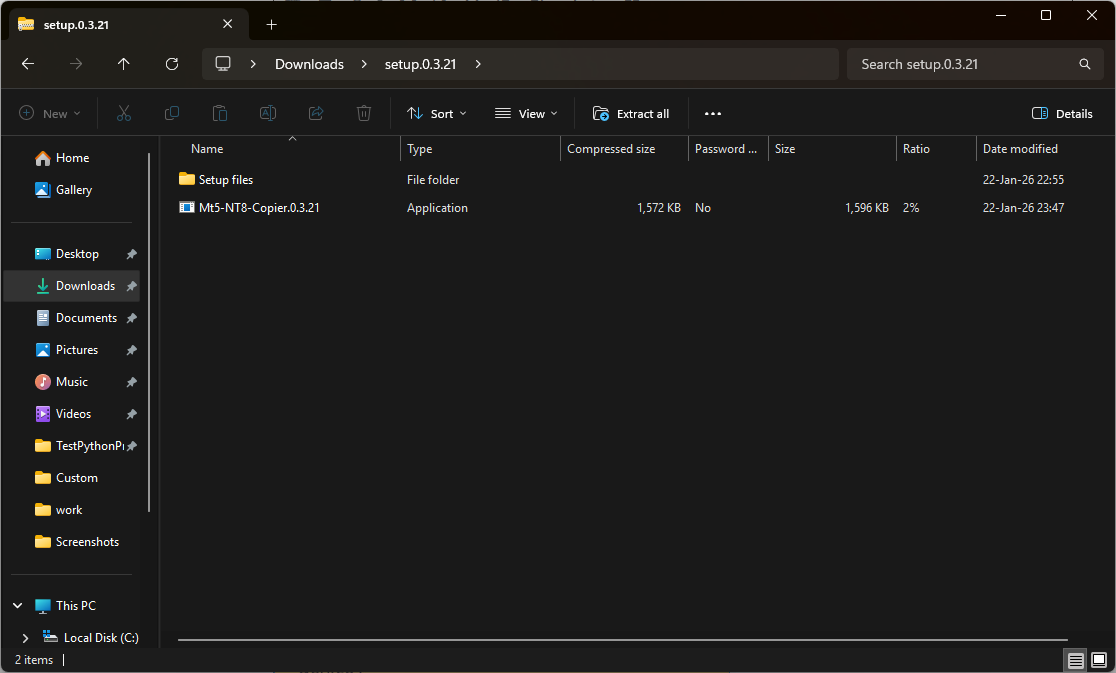
• open a downloaded archive from your account :
• open the folder c:\Users\YourUser\AppData\Roaming\MetaQuotes\Terminal\:

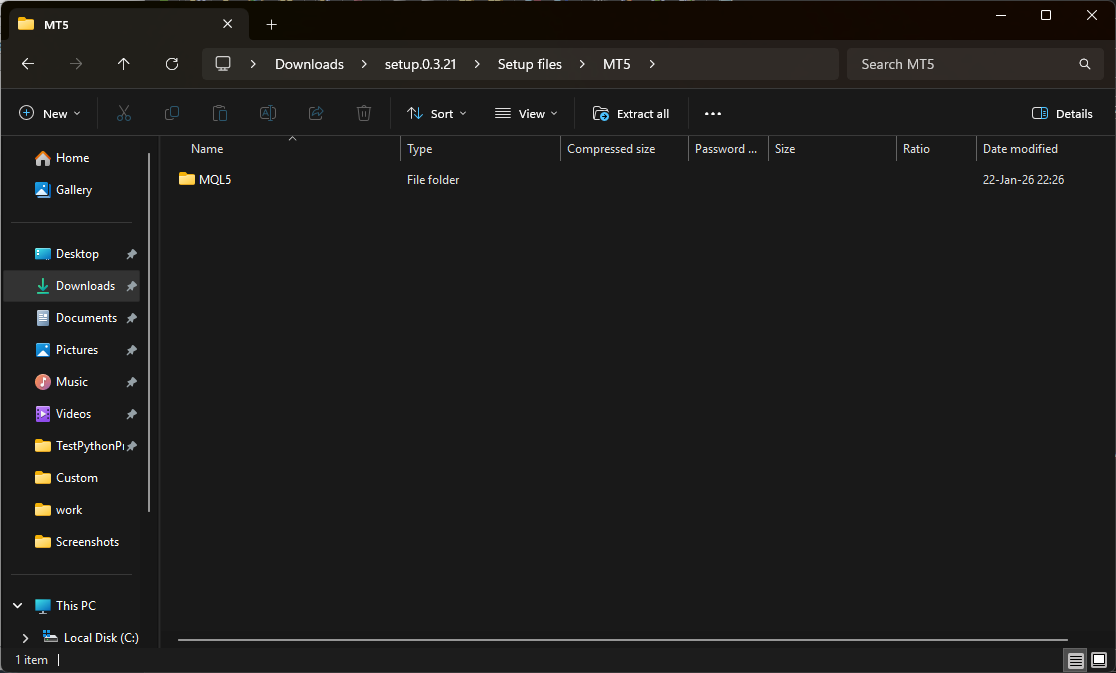
• the folder of each terminal looks like 9EB2973C469D24060397BB5158EA73A5 (MT5 Roboforex, for example). Open it and you can see a folder “MQL5”:

• copy the files from mt5/MQL5 folder our archive to the appropriate terminal folder.
We do the same with NT8.
• open the “Documents” folder on your PC:
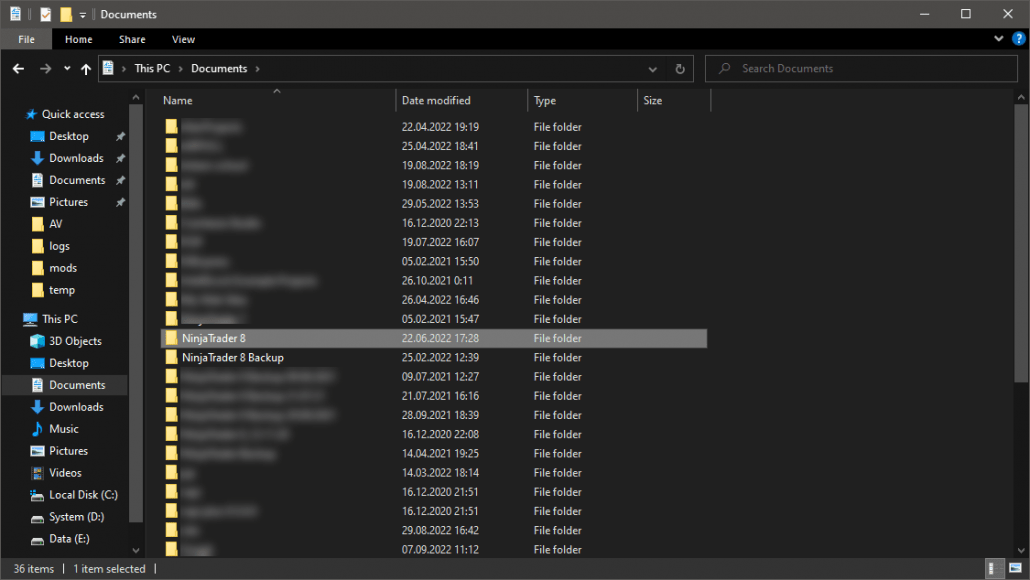
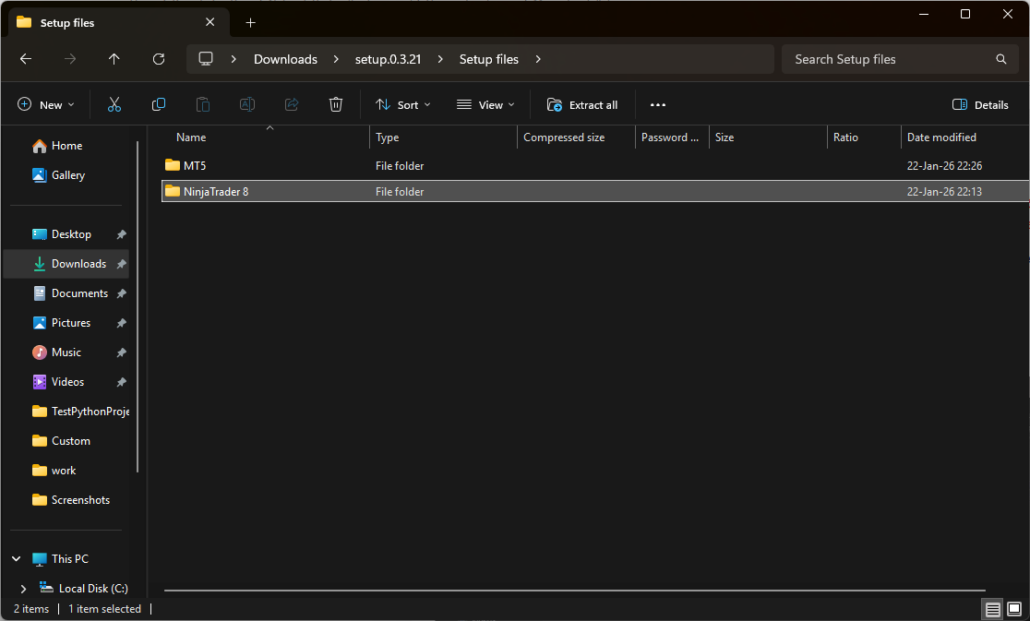
• copy the folder “NinjaTrader 8” from the archive to the folder Documents.
Installation is complete.