
Please do the following steps to install the “MT5 to NT8 Trade Copier“:
• close NinjaTrader 8 and Metatrader if running
• open a downloaded archive from your account
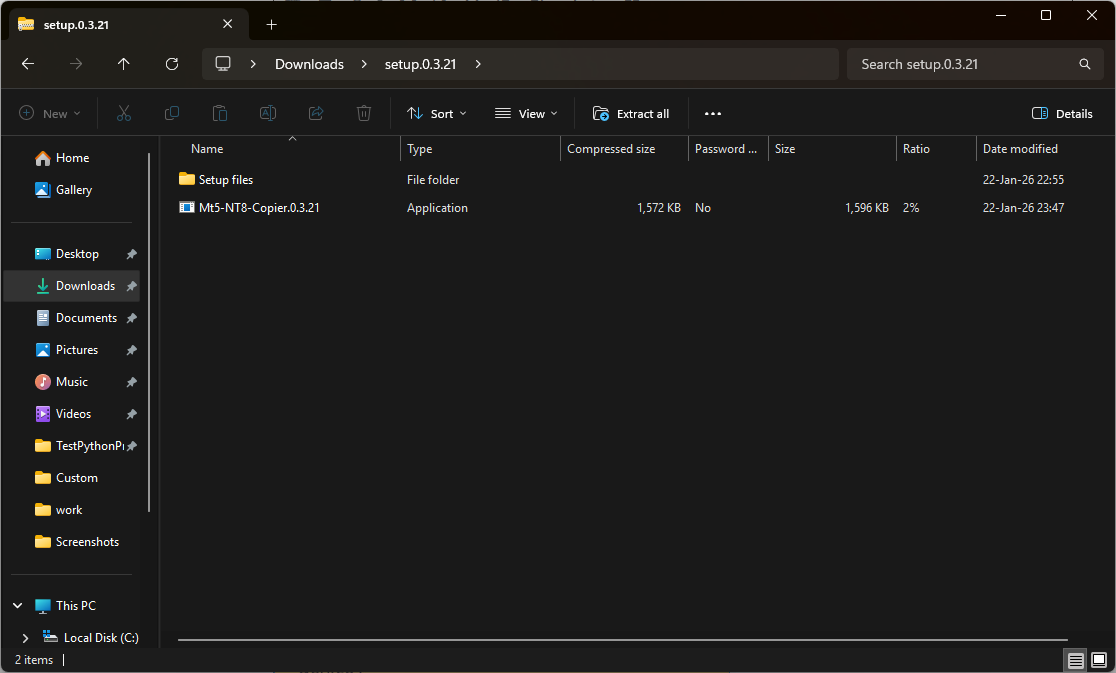
Run a setup file Mt5-NT8-Copier.x.x.x.exe and follow the instruction as shown below:
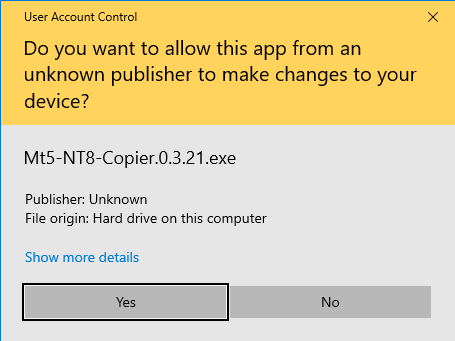
Click the Yes button. Admin rights are required to successfully copy files to the Metatrader directory. If you want full control over the installation process, do it manually as described here
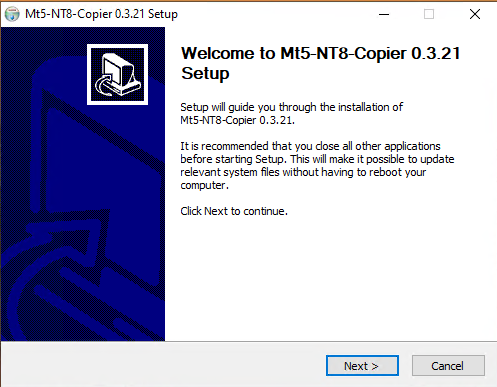
Click the “Next” button to go to the next dialog window
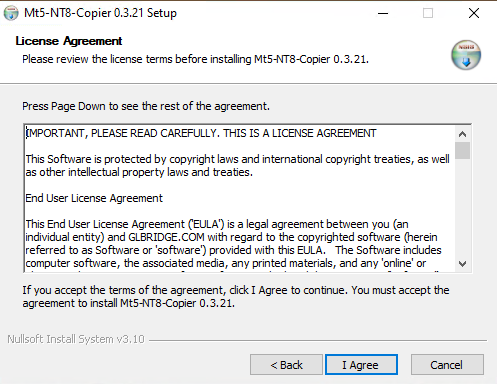
Accept the license agreement if you agree to the terms of use
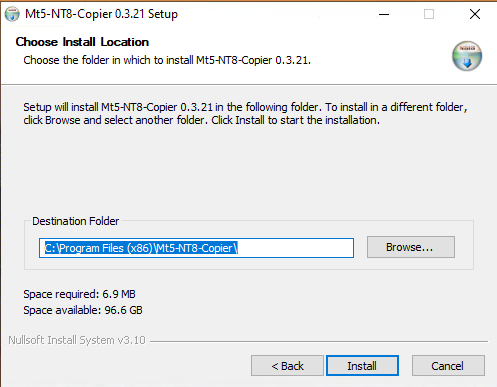
Select a destination folder for the software and continue the installation and then finish it.
All files needed for the “MT5 to NT8 Trade Copier” to work will be installed automatically. Also, after installation, all copies of the files needed to work with the “MT5 to NT8 Trade Copier” will be available in the ”Mt5-NT8-Copier” folder in your documents.
If you installed the trade copier using Mt5-NT8-Copier.x.x.x.exe, the files for working with NinjaTrader will also be copied.